Banking App "Pay" and "More" Tab Concepts
Unifying and organizing the layout of buttons in an existing banking app "Pay" and "More" screens
Challenge
How might we increase the visibility of pathways under the "More" section of the app and unify buttons on the "Pay" screen?
Goal
To create a more organized and coherent way to show the buttons on the "more" and "pay" screens, and make it easier for users to navigate while keeping the buttons easily accessible (for the most part above the fold).
Concepts
(each shown in Balsamiq and Sketch)
Mixed-size buttons with icons
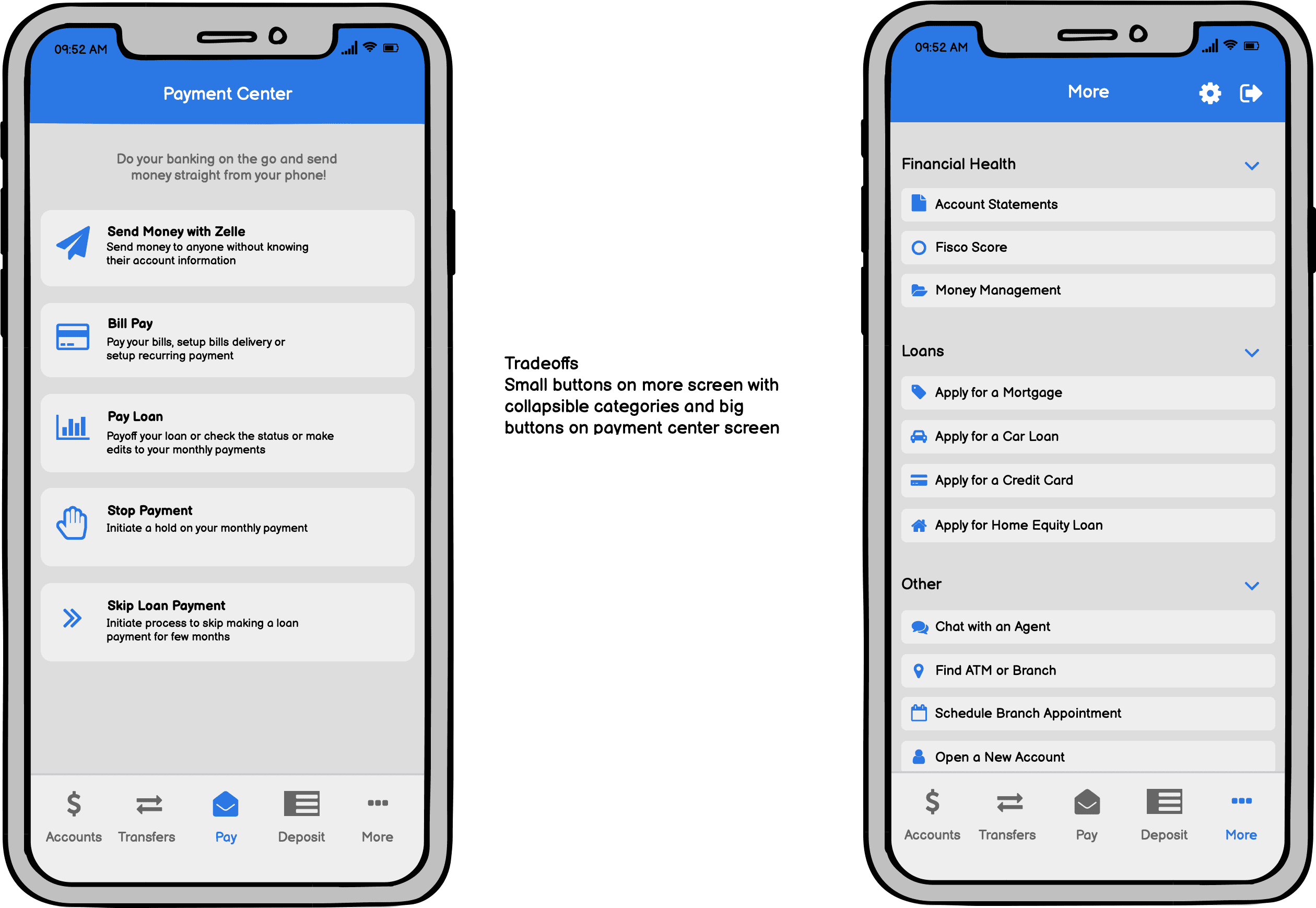
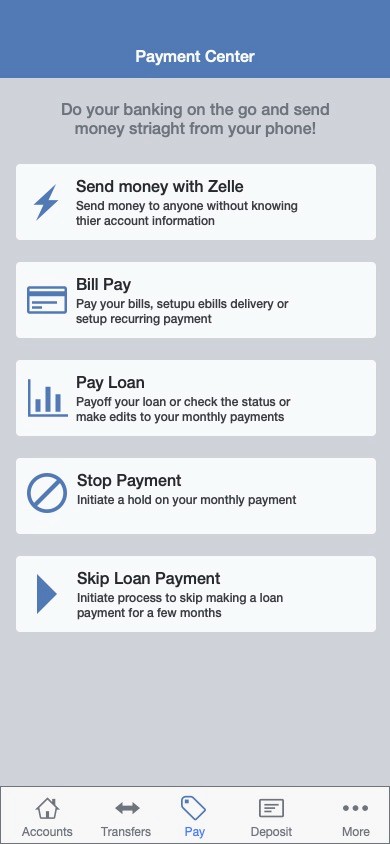
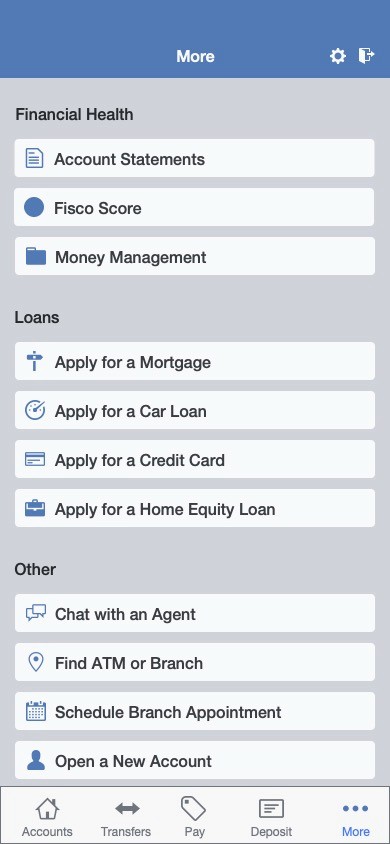
Mixed-size buttons with icons and a 'favorites' section on top
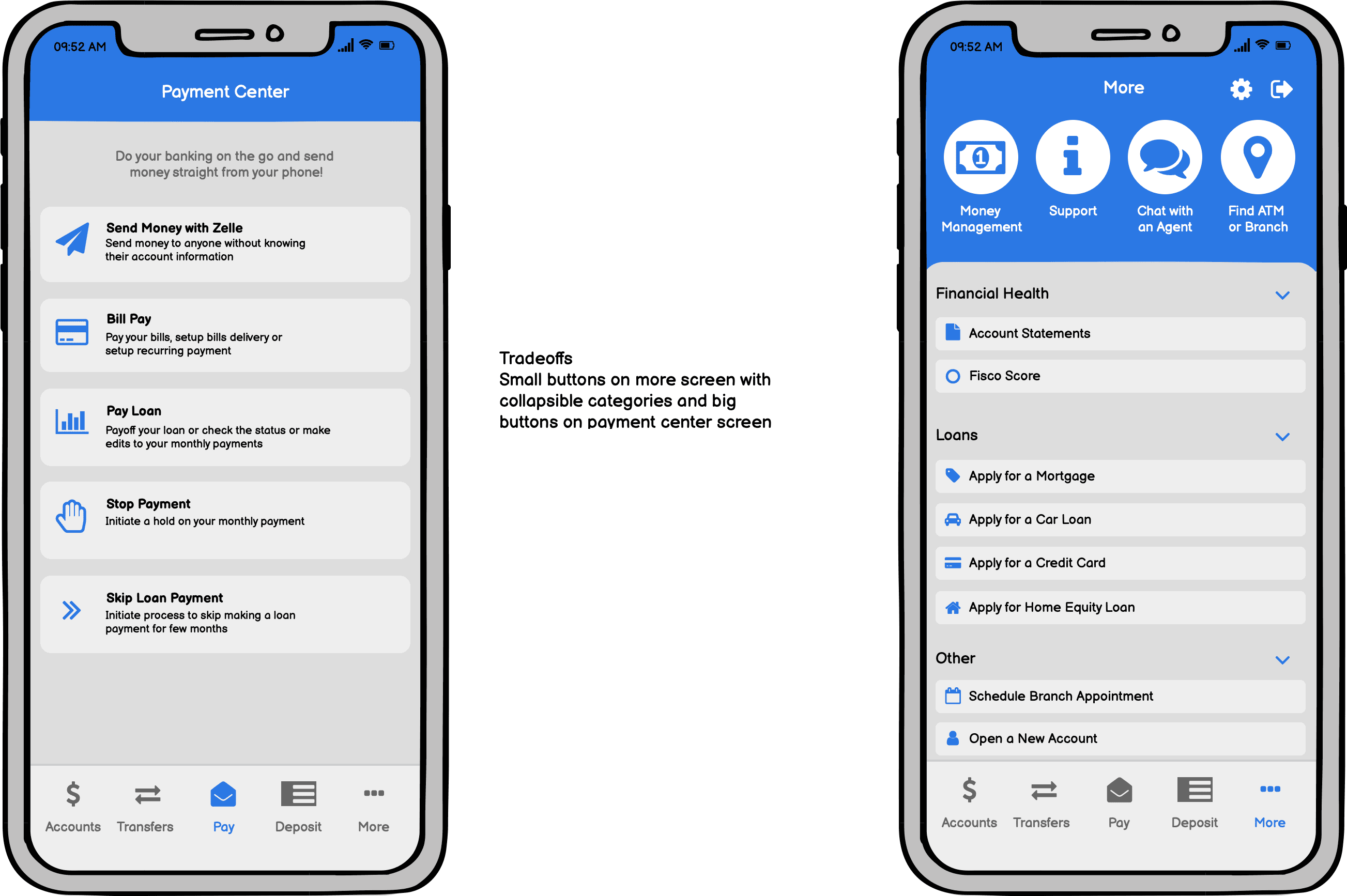
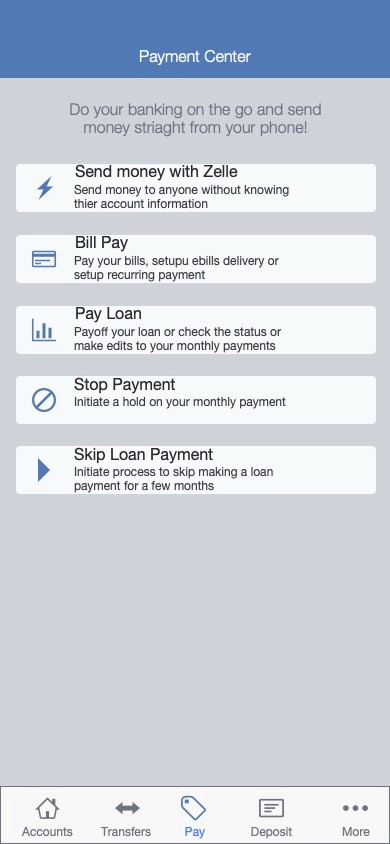
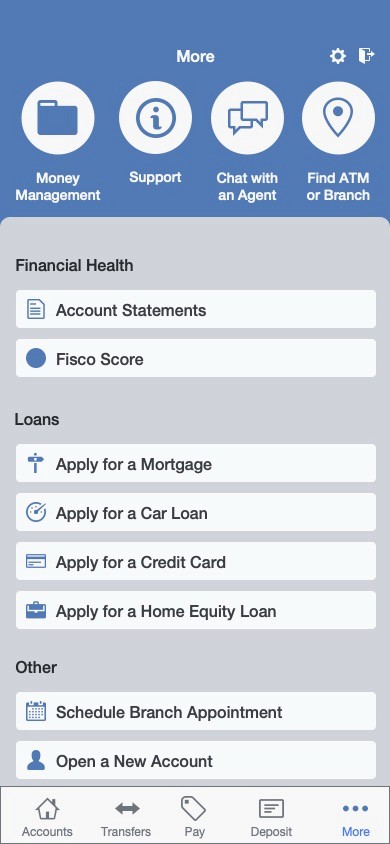
Small buttons with a 'favorites' section
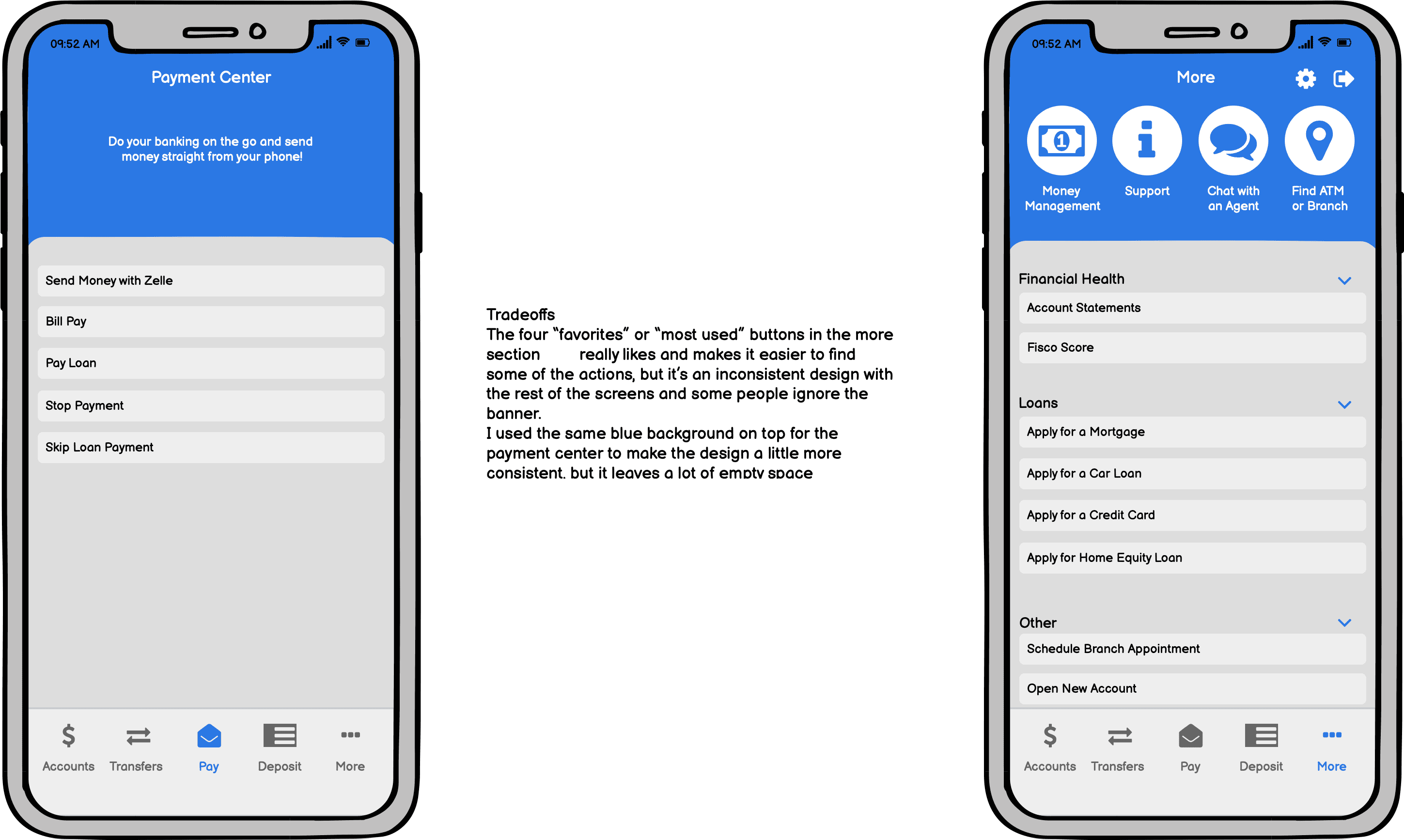
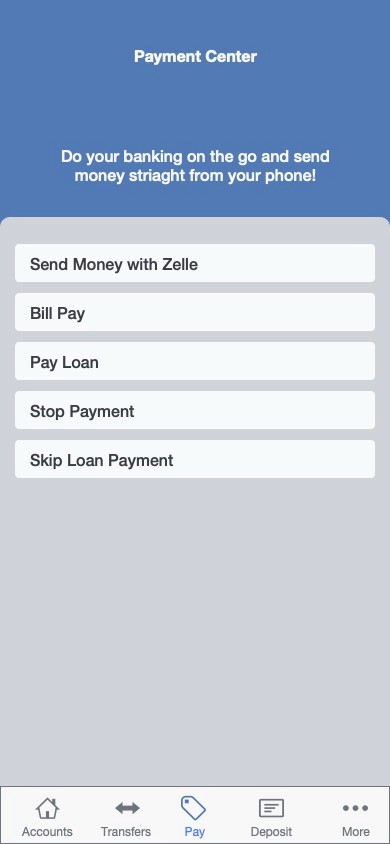
Small buttons with icons and a 'favorites' section
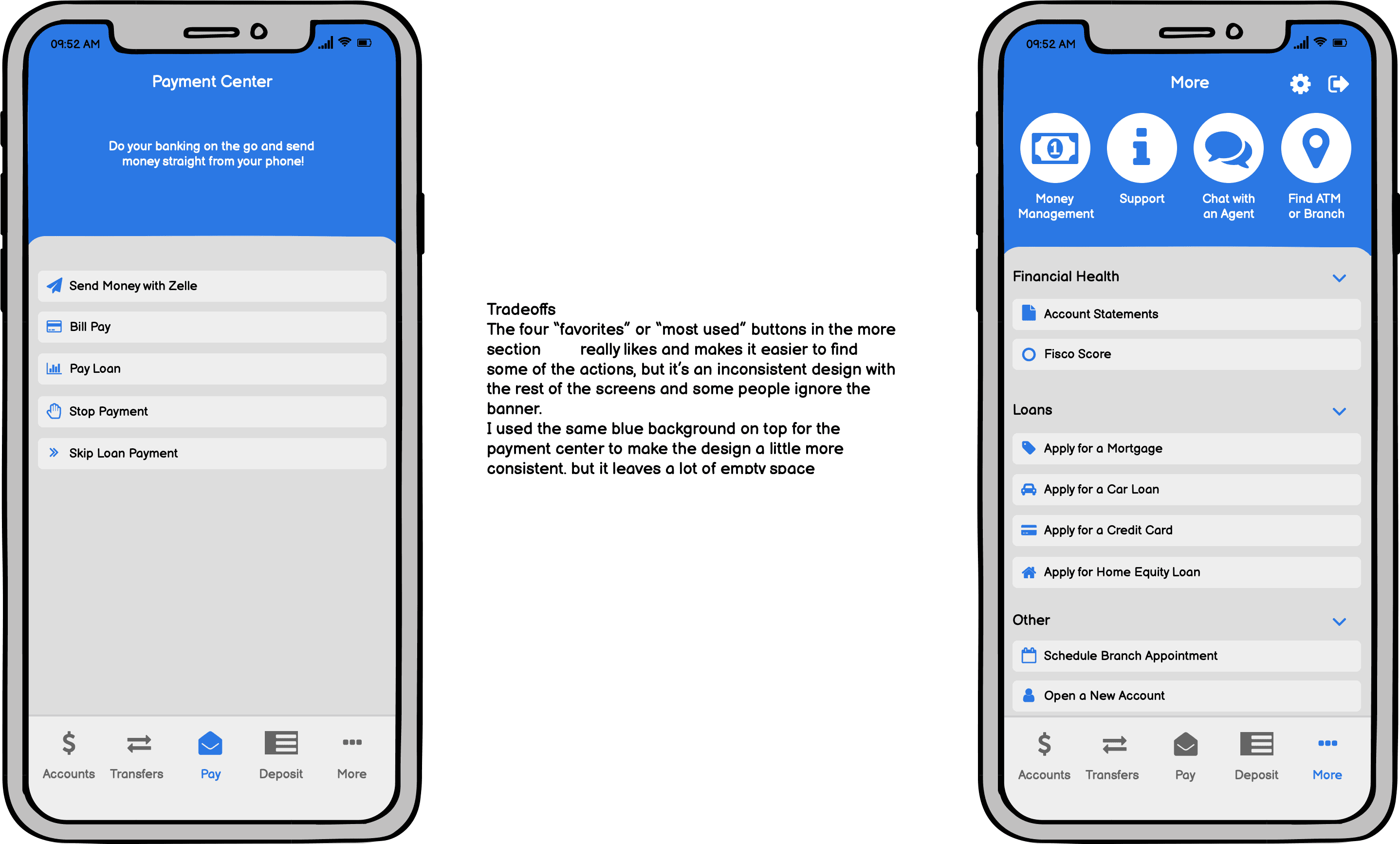
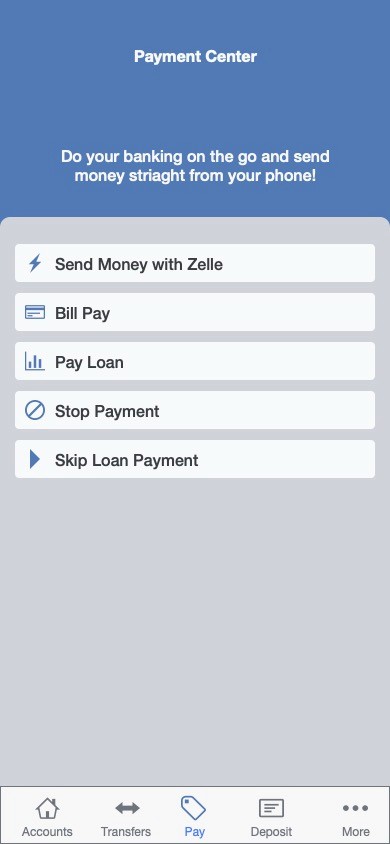
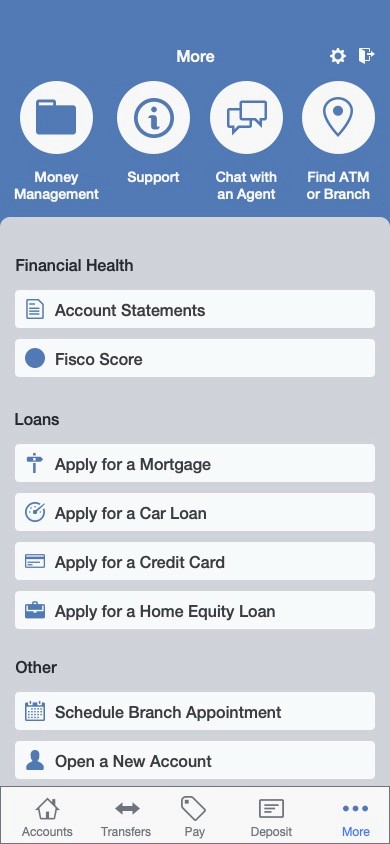
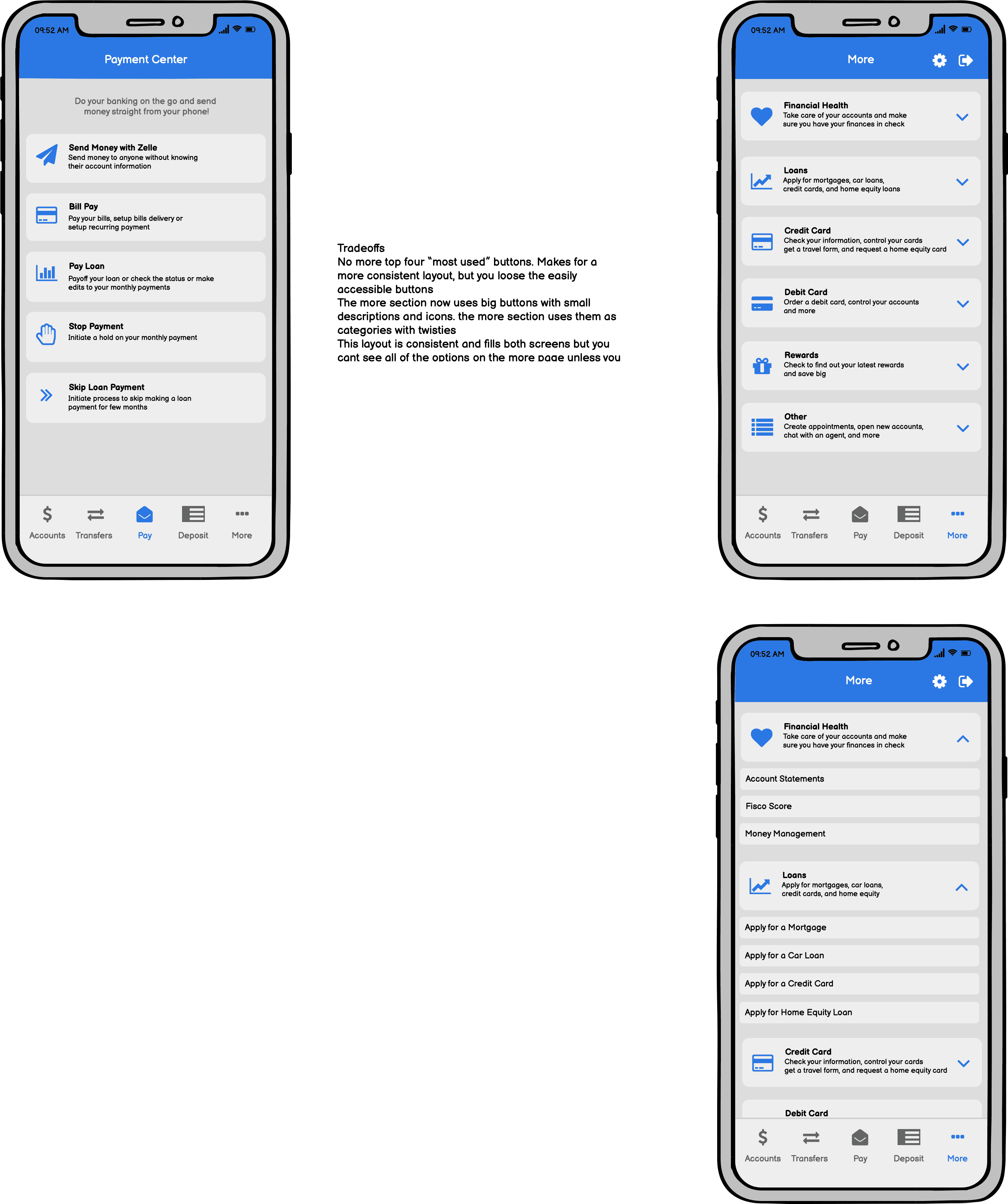
Large buttons with icons and dropdowns or new page options
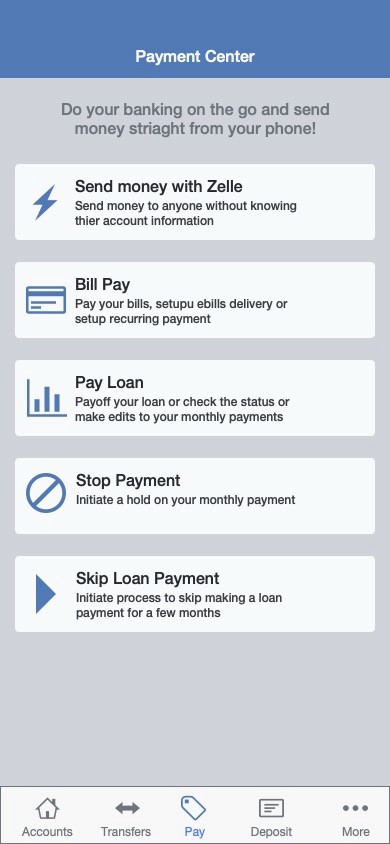
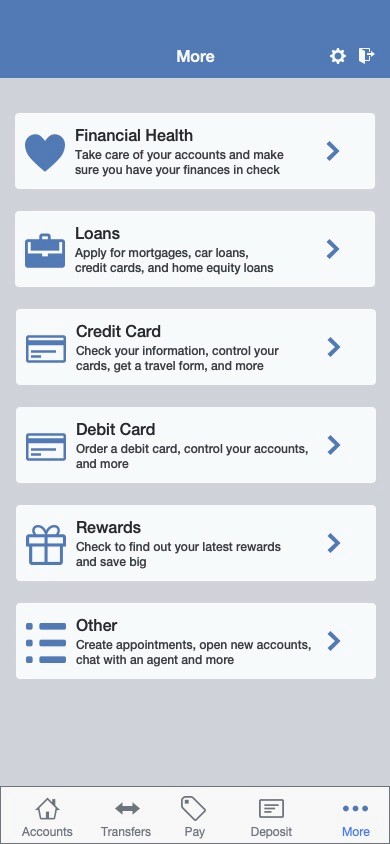
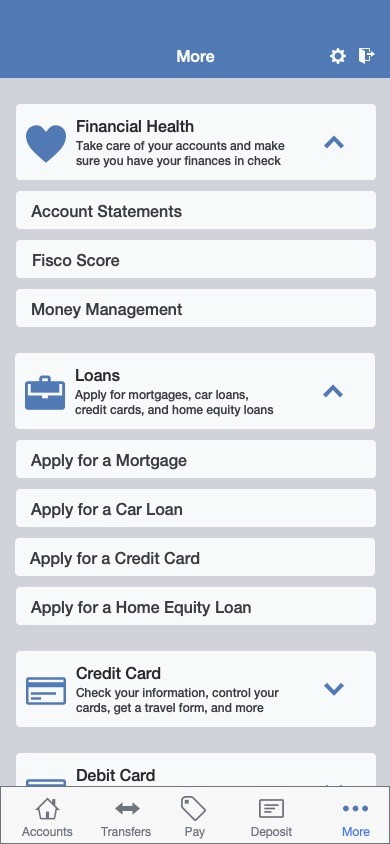
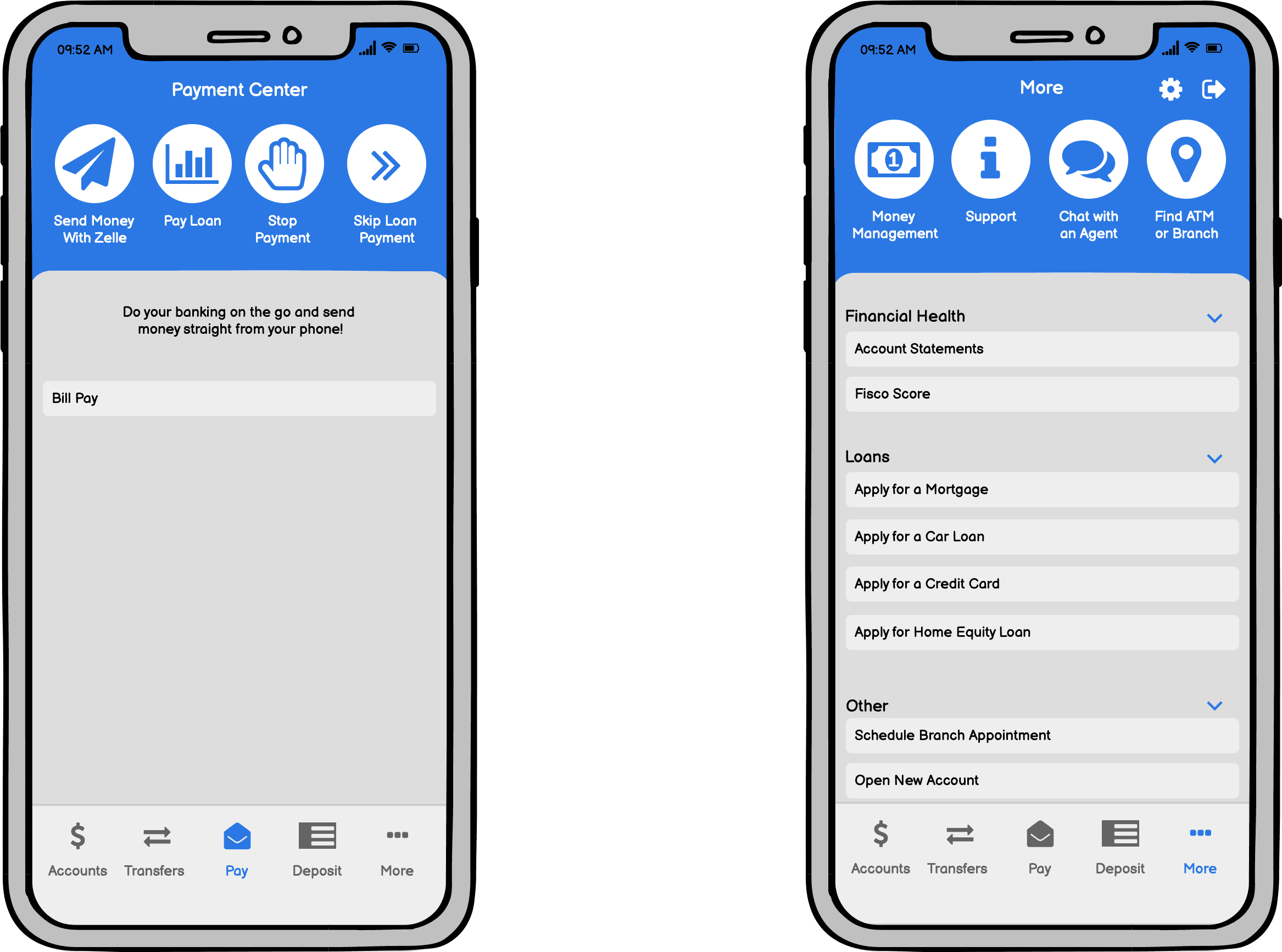
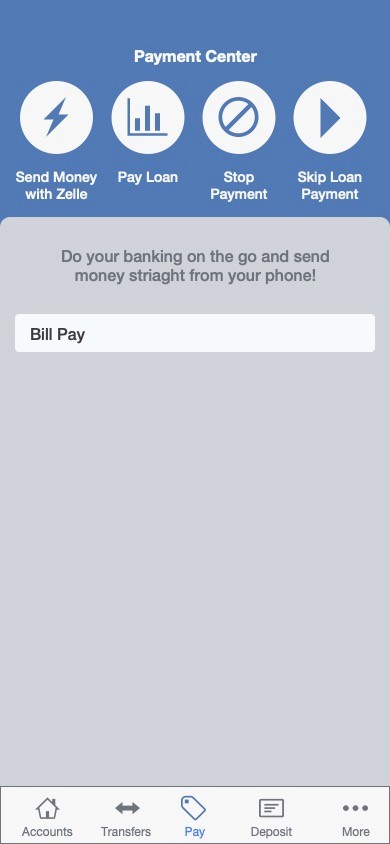
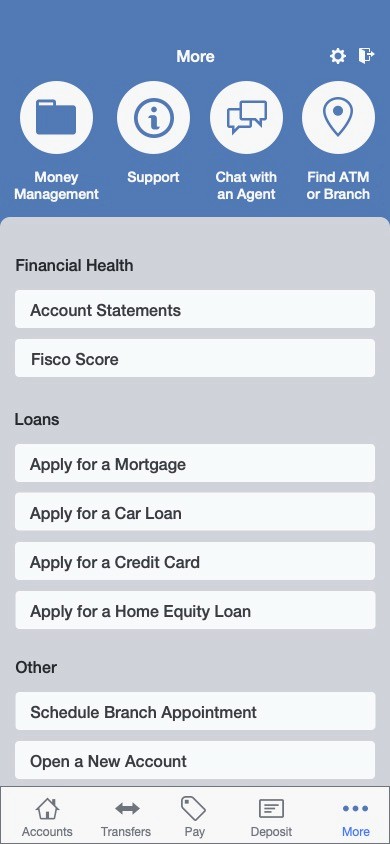
Small buttons with icons
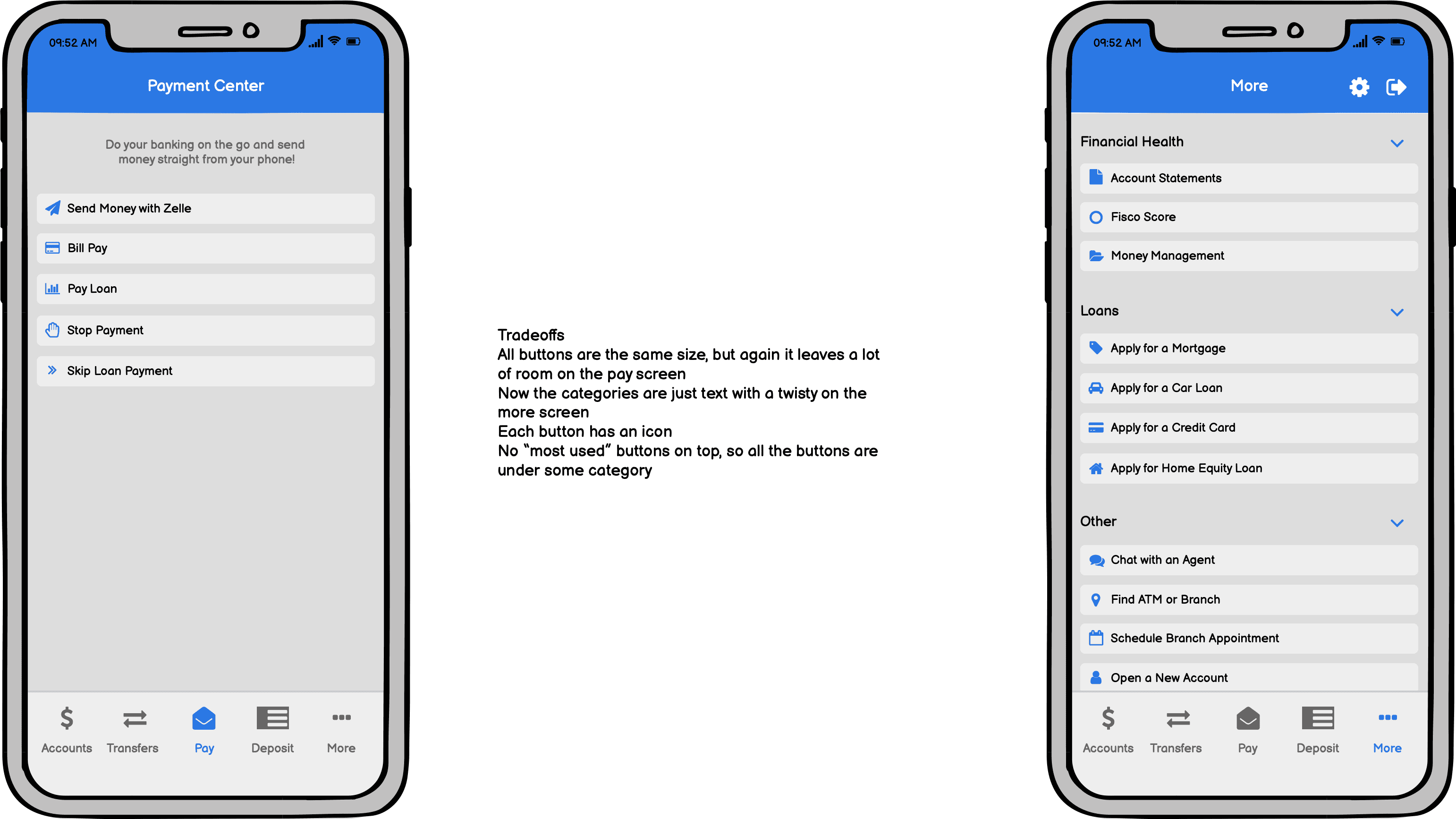
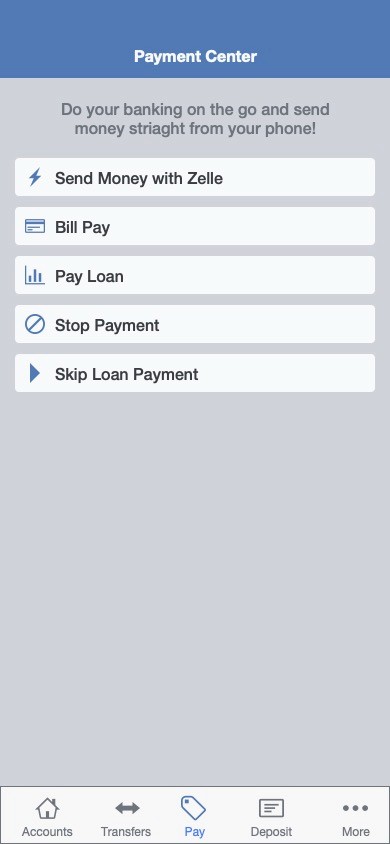
Small buttons with category icons
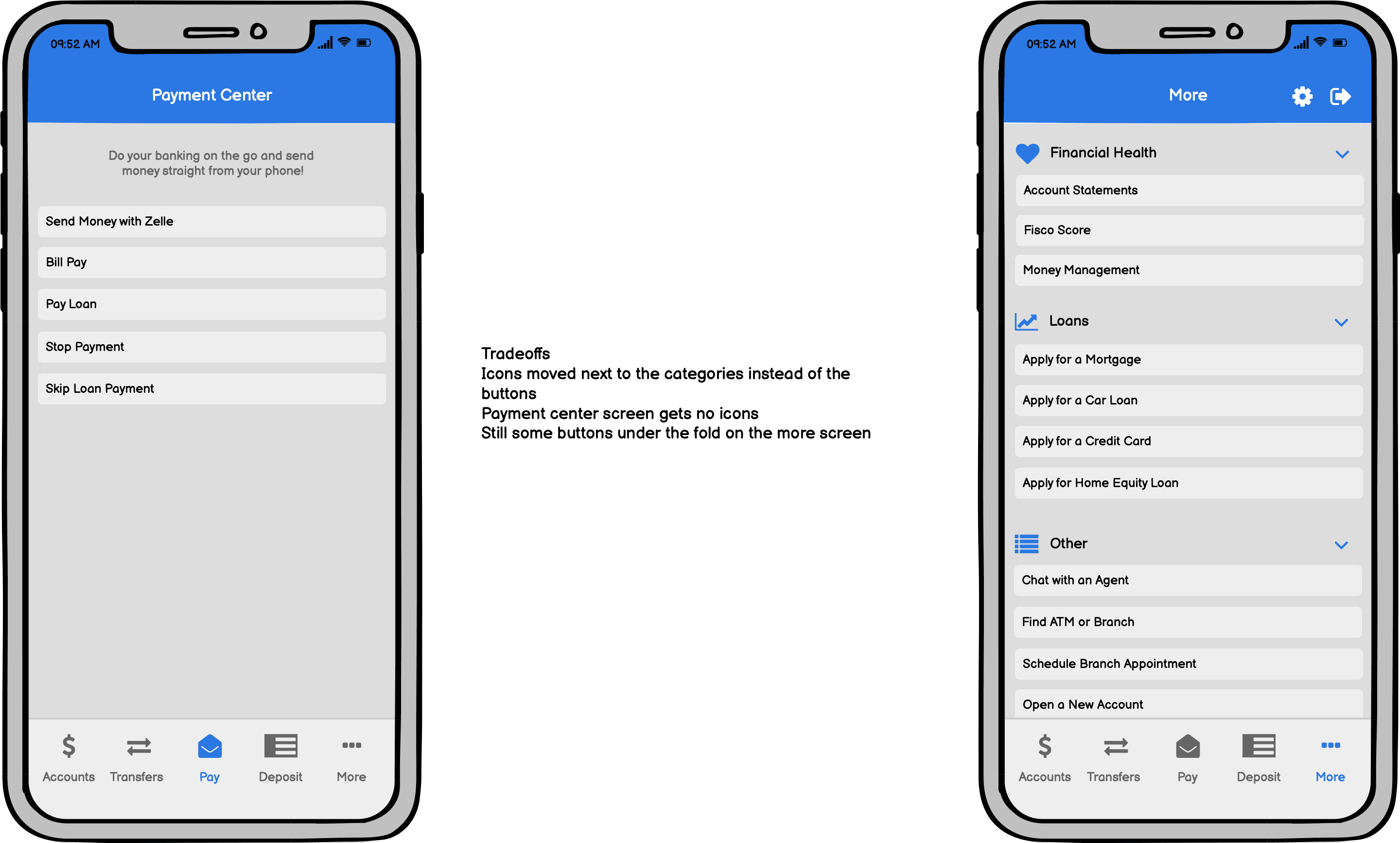
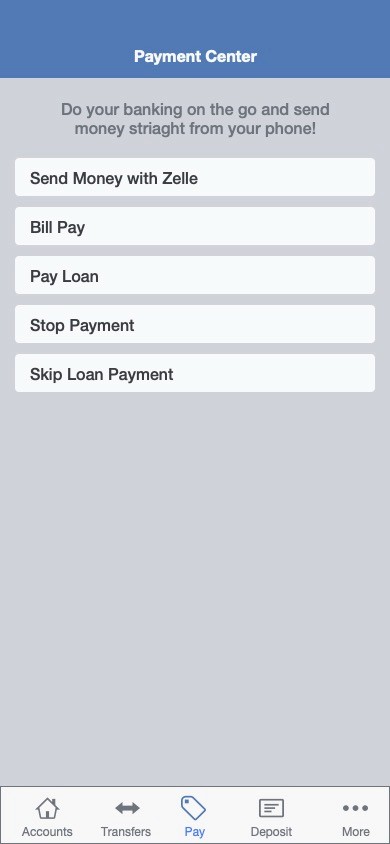
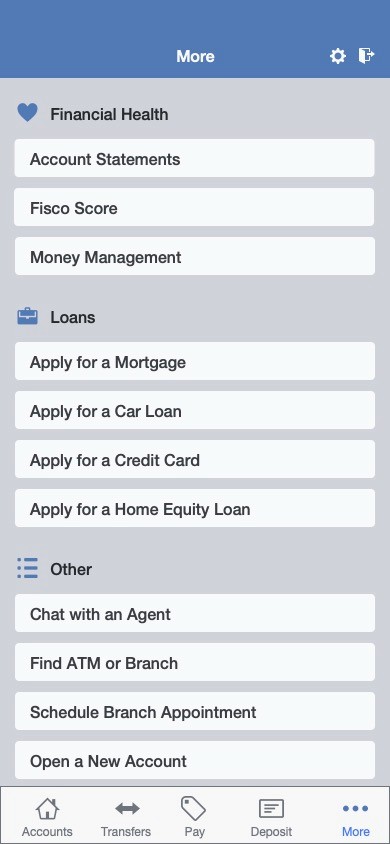
Large buttons with icons and small buttons with category icons
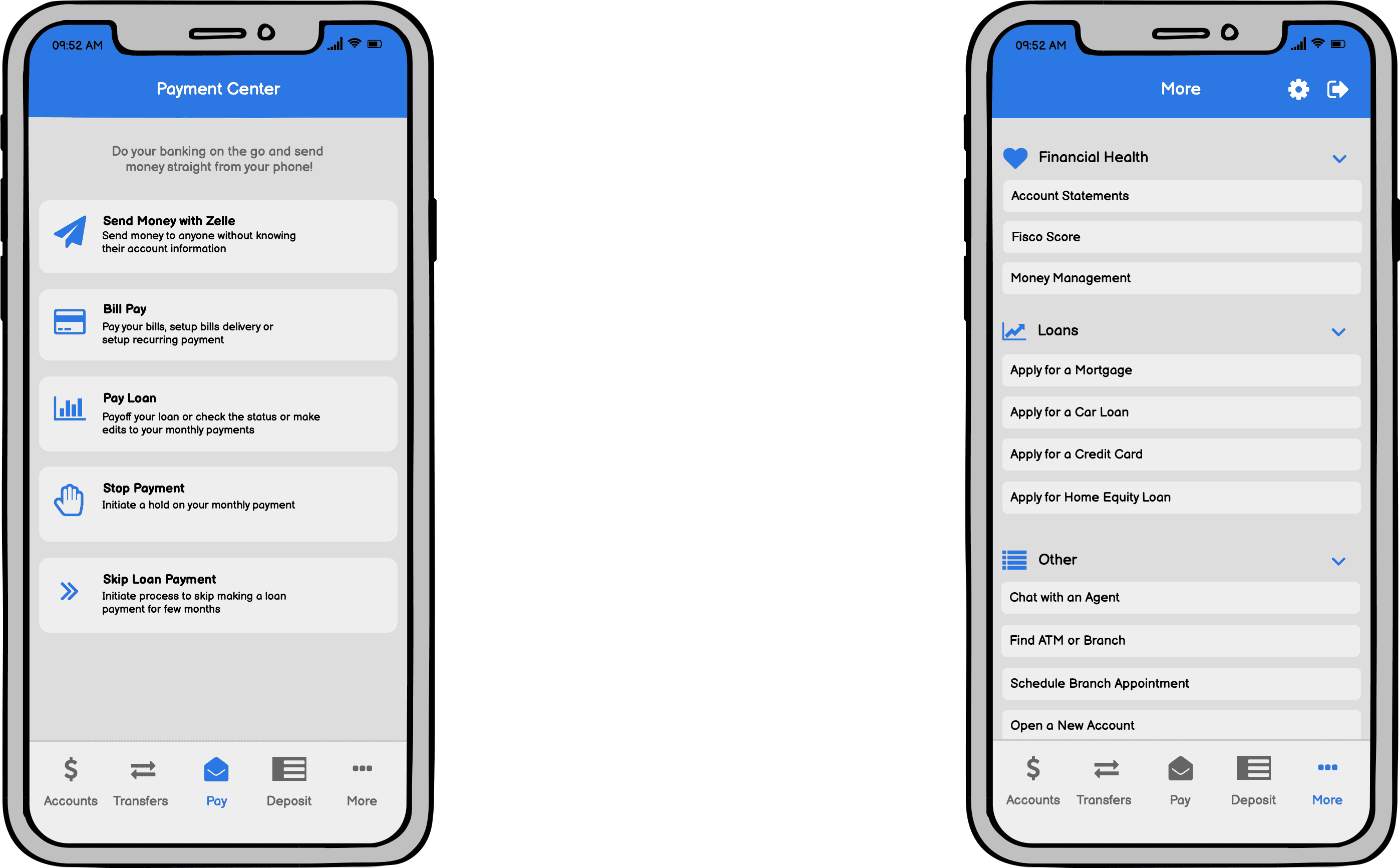
Small buttons and a 'favorites' section on both screens
Outcome
Concepts 1 and 5 were recommended as the most user-friendly. The client agree with our decision and suggested those concepts to their team.